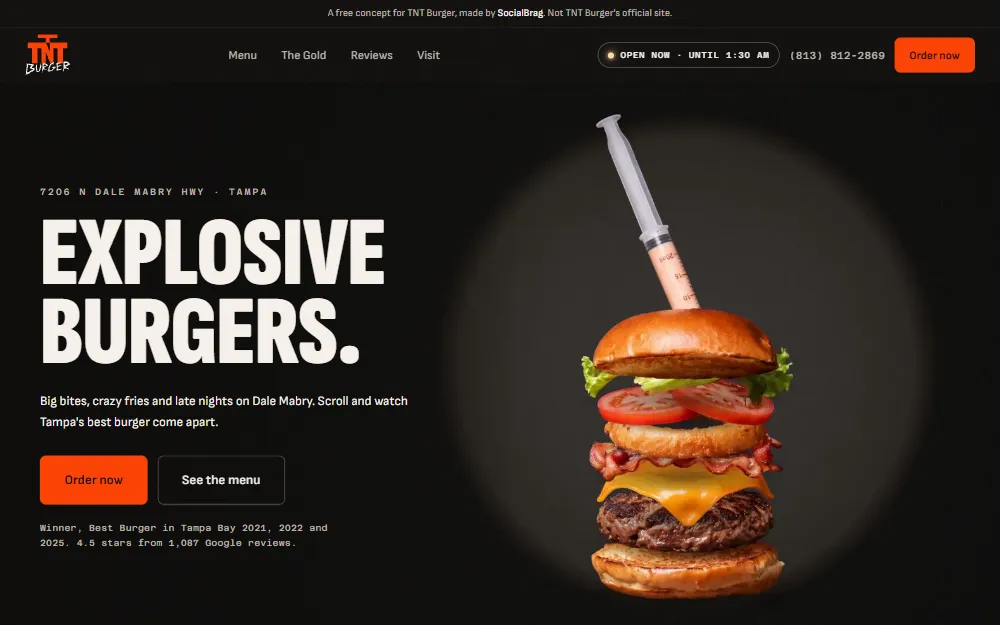
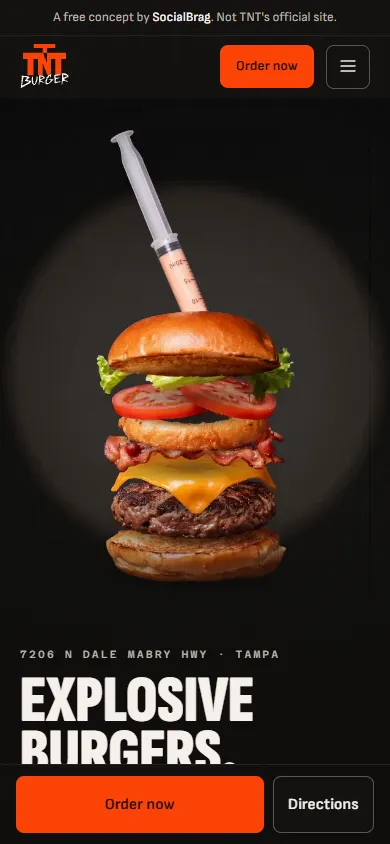
The workflow behind every concept on this page: a build skill for Claude Code, starter components, a 17-move motion layer, and gate scripts that fail the build when a page isn't ready. Take it home for $497, or learn it one-on-one with Alex for $1,997.
No framework, no page builder, no template. Hand-coded HTML, CSS and JavaScript that Claude writes and the scripts check.
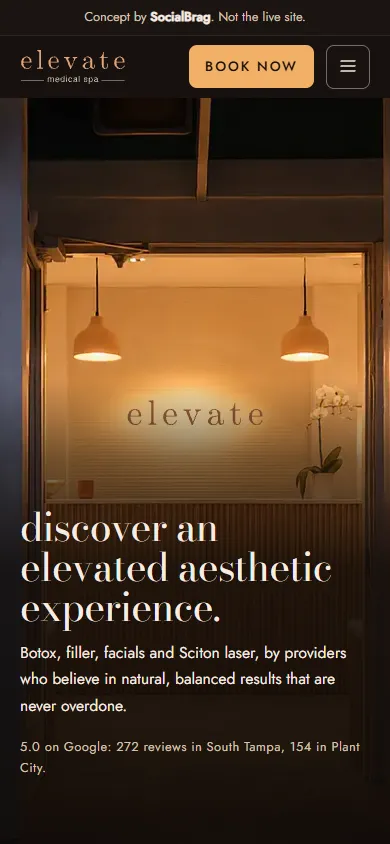
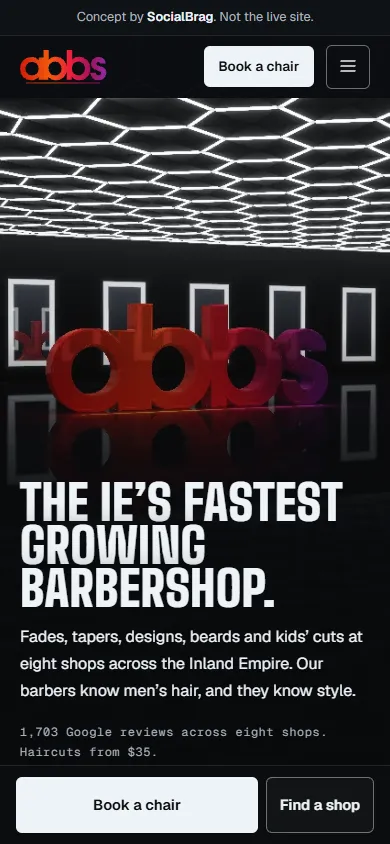
These are concepts, built on spec before anyone paid. Five are for real businesses and one is for an agent we made up, and each card says which. None of them is a client yet. Open them on your phone.
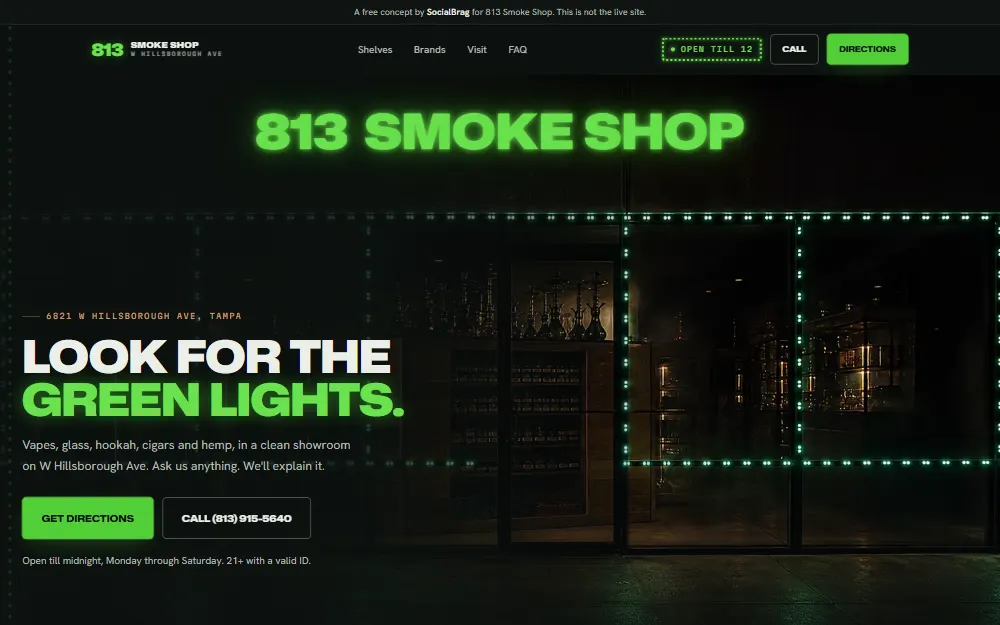
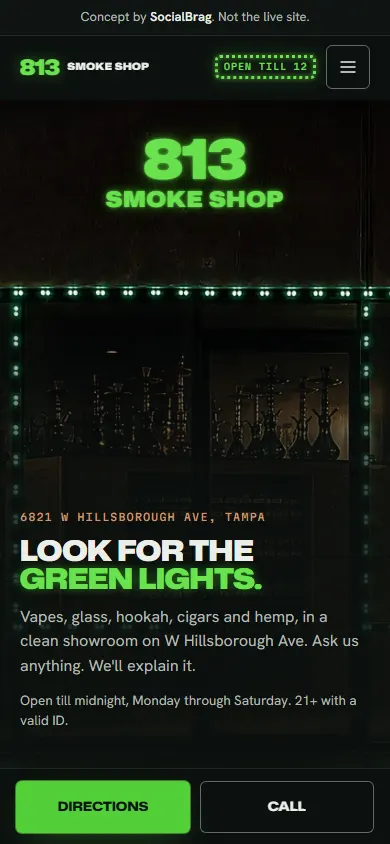
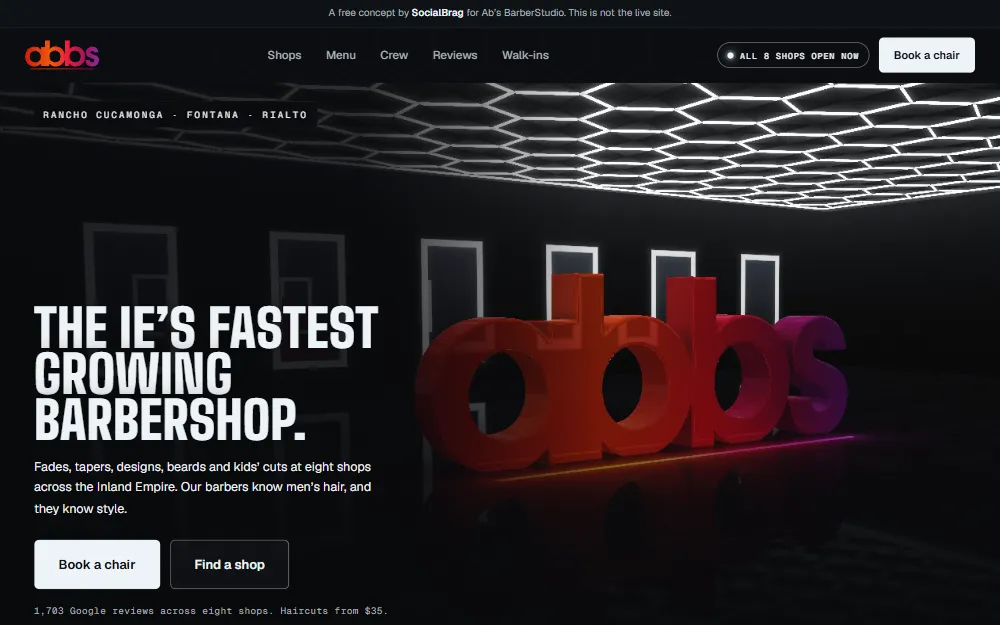
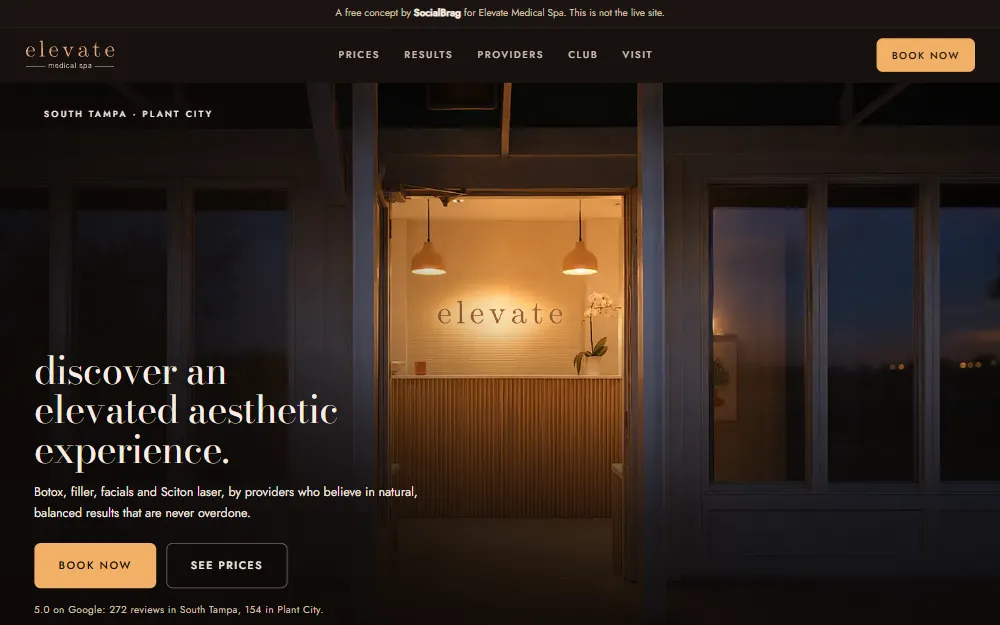
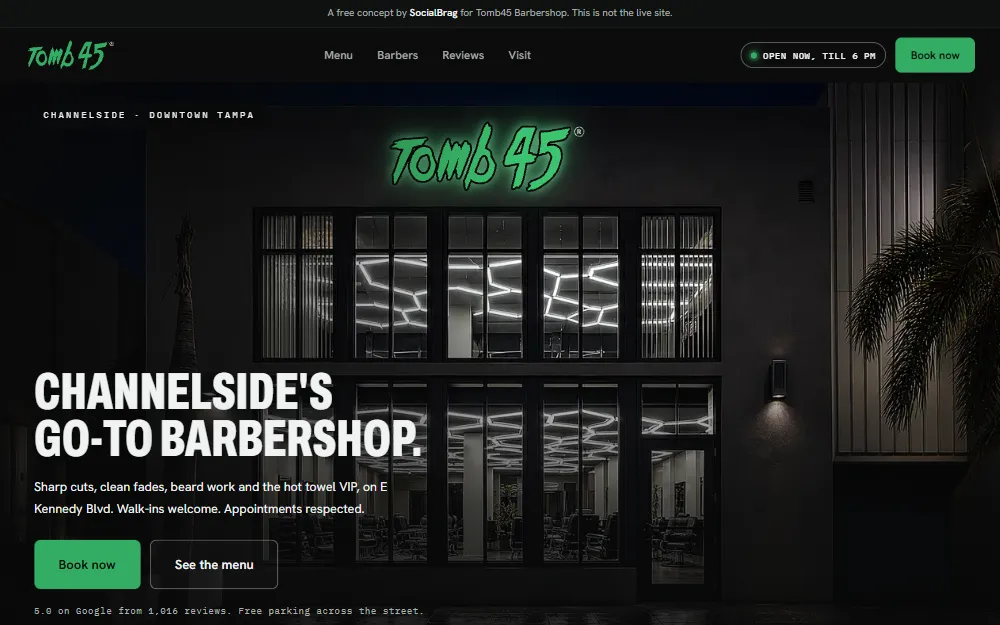
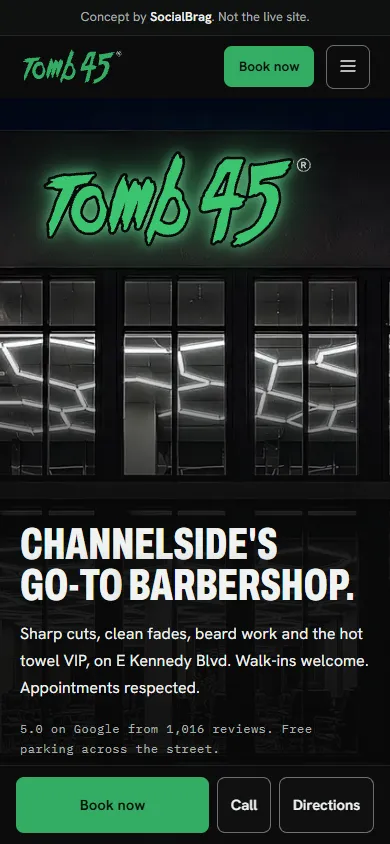
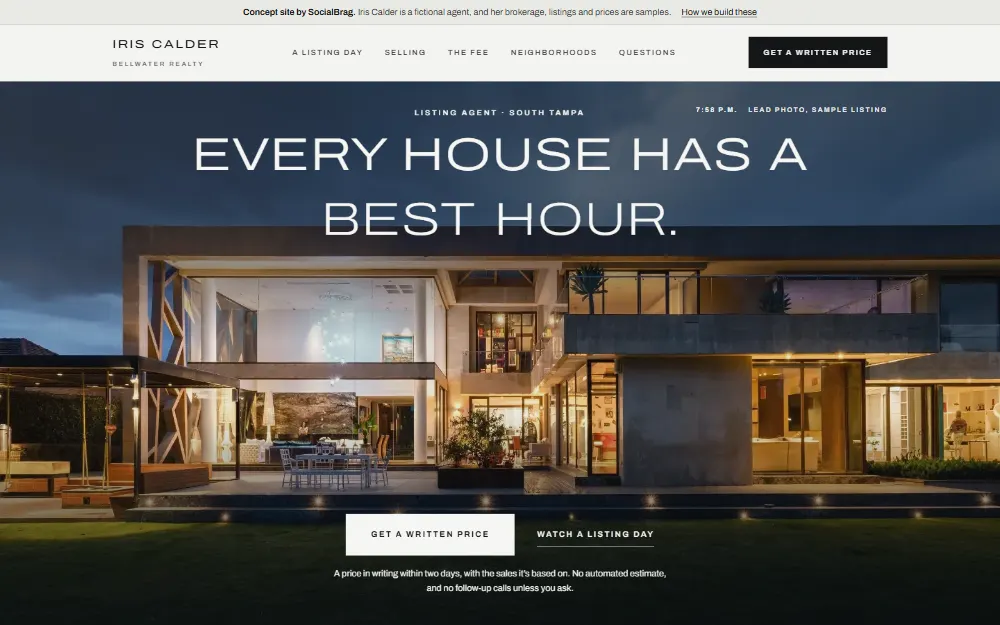
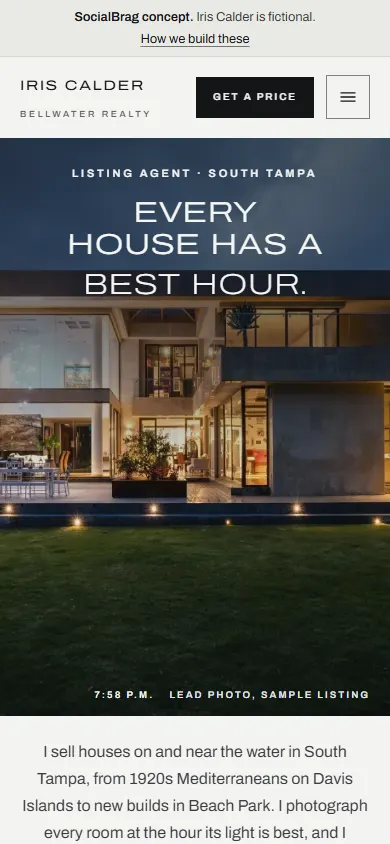
Same skill, same components, same gates. Start with the workflow, or build your first one next to Alex.
See both optionsAnyone can prompt a pretty first screen. A business pays for everything after it: a page that answers its customer, loads on one bar of signal, and passes every check before anyone sees it.
Most AI-built sites fail the same two ways: nobody decided what the page is for, and nobody checked it before it shipped. The workflow turns both into steps that stop the build.
Emergency, Considered, Appointment, Retail or Brand. The mode, not the industry, decides the page: where the phone number sits, whether a film belongs in the hero at all, what comes above the fold.
Palette, type, section order and every headline written out first. Claude builds from the brief and ships the copy as written, so the page never drifts into filler.
Header, nav, buttons, cards and forms that already pass the checks, with the palette in one tokens file. The effort goes into the page's one signature moment, not into rebuilding a menu.
qa.js checks the structure, the copy and the motion wiring. contrast.js measures every line of text against the pixels actually painted behind it, at desktop and phone width. Both stop with an error until the page is ready.
$ node qa.js tnt-burger/index.html
  ok    no em dashes
  ok    no stock words
  ok    exactly one <h1>
  ok    reduced motion handled
  ok    every <img> has alt
  ok    film drawn live: "tnt", registered by tnt-scene.js
  ok    motion layer: 42 named moves, loaded in order
mechanical checks passed, 1 warning(s)

$ node contrast.js tnt-burger/index.html
index.html at 1280px: 144 text runs, 0 below AA
index.html at 375px: 132 text runs, 0 below AA
Every text run clears WCAG AA against what is actually painted behind it.
Real output, trimmed to fit: qa.js runs 17 checks on this page. The warning asks you to confirm the share image's address before launch.
This is the call that lets a page look expensive and still bring in work. Get it wrong and the prettiest site on the block loses customers to a plain one that loads first.
Not in the row: the one mode where the expensive look costs calls.
In the row: Iris Calder
In the row: Elevate, Tomb45, Ab's
In the row: 813 Smoke Shop
In the row: TNT Burger
A business can sit in two. A roofer after a hurricane is Emergency; the same roofer in March is Considered. The skill tells Claude which layer goes on top.
The expensive look without the 200 MB page. Every move shares one timing system, holds its scene with sticky positioning instead of hijacking the scroll, and switches itself off for visitors who ask for less motion.
film.js retimes a clip so an even scroll plays evenly, cuts it into 80 frames for wide screens and phones, and refuses to finish over its weight budget. The clip recipe and prompts come with it.
When a clip won't do, the page can draw its own scene and play it on the same clock: TNT's burger from photo layers, Ab's room in 3D. Same timing, same rules for reduced motion.
Every move lives inside one media query. Turn the setting on with the page open and every pinned scene lets go. qa.js fails a page that breaks the rule.
All seventeen: lines, rise, media, drift, draw, exit, sideways, expand, shrink, reveal, count, read, ticker, film, ring, flip and wall. Built on GSAP and Lenis, about 70 KB over the wire.
We ran four of our builds against the homepages of three popular website-prompt libraries, on a throttled phone connection. The benchmark script is in the kit, so you can run it on your own work.
| Measure | Four of our builds | Three library homepages |
|---|---|---|
| Weight at load | 141 KB to 2.7 MB | 4.8 to 14.4 MB |
| Weight after a full scroll | 209 KB to 3.2 MB | 16.6 to 230.4 MB |
| Lines of text failing contrast | 0 on every page | 10 to 131 per page |
| Honors reduced motion | 3 of 4 | 1 of 3 |
| Layout shift, lower is better | 0 to 0.066 | 0.001 to 0.028 |
Same system either way. The class adds three private sessions on a project of your own.
Everything we build with, ready to drop into Claude Code.
Those come with the class.
Three private sessions with Alex, building your own project start to finish.
Prices in USD. Your Claude plan, domains, hosting and any AI video credits are separate. Refunds: the workflow, any time before it's sent; the class, any time before your first session. Checkout is by Stripe.
Ninety minutes each, on video, spaced so you build between them. You leave every session with something working.
Install the kit and run your first gate. Pick the business, name its buying mode, write the brief, and set the look on the real hero before anything else gets built.
Session 1 · 90 minThe page from the components, the copy from the brief, and the opening scene: a film from one AI clip, a scene the page draws itself, or none, if the mode says so.
Session 2 · 90 minBoth scripts to zero, the phone and keyboard pass by hand, live on Netlify. Then how we show a finished concept to an owner who never asked for one.
Session 3 · 90 minMostly free tools. The one real cost is the Claude plan.
No framework, no npm packages to install, no page builder. One HTML file per page, one CSS file, one JS file.
Optional: an AI video tool with credits, for film heroes. We use OpenArt.
SocialBrag is a new web agency in Tampa, and the concepts on this page are spec work, not client sites. Each card says so. What we can show you is the system that built them, measured, and the reason behind every rule in it. Most of those rules exist because a build went wrong first.
The class teaches you how to build. It doesn't promise you clients, prices or income, and nobody honest can. How good your sites get depends on your eye, your assets and the hours you put in between sessions.
If you already build sites and you're at home in a terminal, the workflow is enough: the setup guide and the skill carry you. If you'd rather have someone beside you the first time you make the big calls (the buying mode, the look, the opening scene) and catch what you'd miss, take the class. The class includes the workflow, so you never pay for it twice.
You need to read HTML and CSS well enough to judge them, and to run a command. Claude writes the code; your job is the decisions and the eye. If you've never opened a terminal, take the class, because the first session covers setup with you.
One that includes Claude Code. The workflow runs builds on the most capable model at high effort, because build quality is the last place to save, and that uses a plan faster than everyday chat. If you build often, a larger plan is the comfortable fit.
Yes. It's HTML, CSS, JavaScript and Node scripts, so it runs the same on Mac and Windows, and the setup guide covers both.
They'll look like the business you build for. The workflow is the process and the checks; the look comes from that business's own world, picked on its real hero. The concepts here show what the process produces. There are no templates in the kit to copy.
Yes, on every site you build, for any client, as many as you like. What you can't do is resell, share or republish the kit itself.
Within one business day of checkout, Alex emails you the kit as a download with the setup guide. If you bought the class, the same email books your first session.
The workflow: change your mind before it's sent and you get your money back. Once it's sent, it's yours and the sale is final. The class: a full refund any time before your first session.
Session three covers how we show a finished concept to an owner and what we say when we do. That's the part of selling we can teach honestly. Nobody can promise you clients, and we won't.
The same skill, components, motion and gates that built every concept on this page.
Questions first? aarcheval@socialbragmarketing.com